游戏介绍
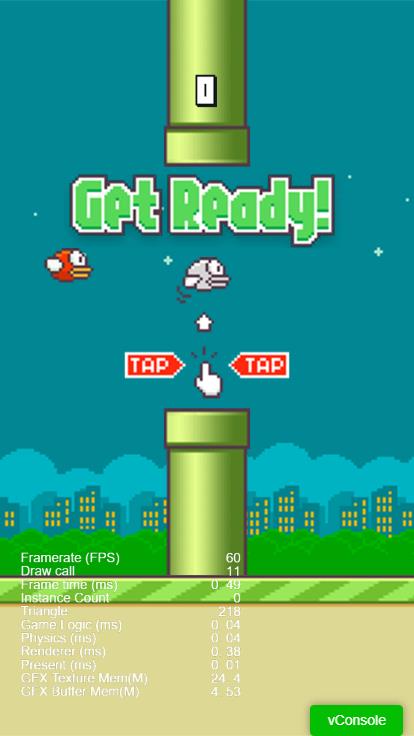
- 《Flappy Bird》是一款由越南开发者 Dong Nguyen 创作并在2013年发布且暴红的像素游戏。
- 游戏玩法:玩家控制一个小鸟,通过点击屏幕使其飞行。游戏的核心目标是穿过一系列竖直排列的绿色管道,同时避免碰撞管道以及天花板和地面,一旦碰撞即意味着游戏结束。
- COCOS CREATOR 版本:
Cocos Creator 3.8。
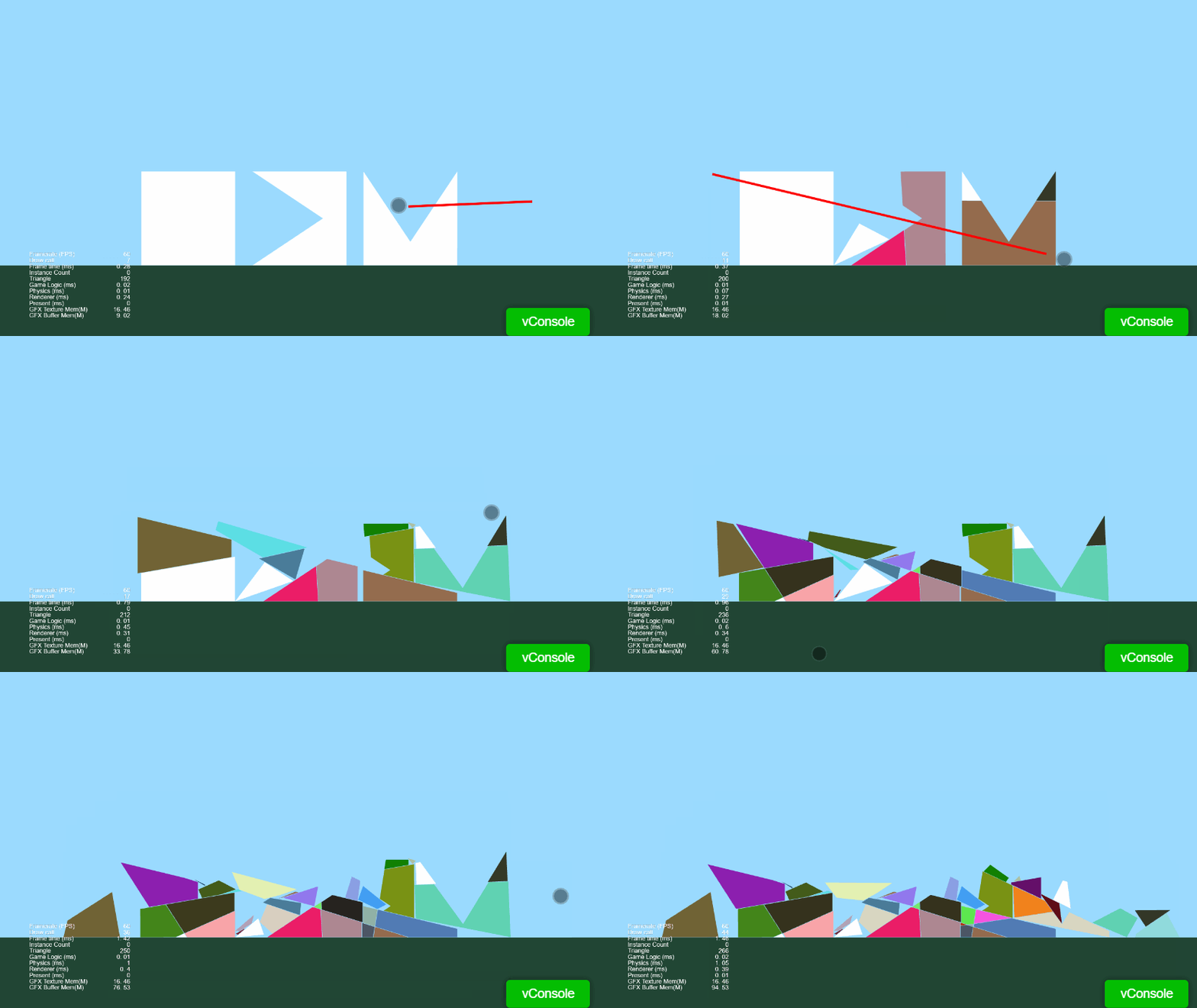
游戏效果
Cocos Creator 3.8。
Cocos Creator 的物理系统提供了强大的物理模拟功能,如重力、碰撞、摩擦等。Cocos Creator 提供了丰富的组件和 API 实现碰撞检测、刚体运动、关节等。
在 Cocos Creator 中,2D 物理世界是通过 PhysicsSystem2D 管理的。通常不需要手动创建,因为 Cocos Creator 会自动管理。
物理系统默认是开启的,代码如下:PhysicsSystem2D.instance.enable = true;。
多年前从Hexo开启博客之旅。当时被它丰富的主题生态、基于Node.js环境并轻松部署到GitHub Pages的特性所吸引。
然而随着时间推移,博客文章逐渐累积,逐渐感受到了Hexo构建速度的瓶颈。 直到接触了Hugo,号称“世界上最快的网站构建框架”,使用Go语言编写,千篇文档秒级生成,构建速度更快,内存消耗也更低。
从Hexo迁移到Hugo虽然需要一些初期投入,但带来的性能提升和开发体验改善是显著的。Hugo文档详细,学习曲线平缓。
source/_posts/)_config.yml 和主题目录)Hugo时常常需要使用到Git、Go和Dart Sass。Hugo:
PATH环境变量中。hugo versionHugo站点
hugo new site myblog
cd myblogMarkdown文件(hexo-posts/*.md)
title: → Hugo 保留date: → 格式改为 2024-01-02T15:04:05+08:00tags: → Hugo 支持相同语法(tags: ["tag1","tag2"])categories: 建议改为 Hugo 的 categories)Hugo
Hexo的_posts复制到Hugo的content/posts/。Hexo的source/images/复制到Hugo的static/images/。。Ananke主题克隆到themes目录中,并将其作为Git子模块 添加到项目中。
git submodule add https://github.com/theNewDynamic/gohugo-theme-ananke.git themes/anankeecho "theme = 'ananke'" >> hugo.tomlhugo.toml
baseURL = "https://yourdomain.com/"
languageCode = "zh-CN"
defaultContentLanguage = "zh"
theme = "ananke"

[params]
  title = "博客名称"
  description = "博客描述"

[menu]
  [[menu.main]]
    name = "首页"
    url = "/"
weight = 1hugo new content/posts/new-post.mdFront Matter示例
title: "文章标题"
date: 2024-01-15T14:30:00+08:00
tags: ["标签1", "标签2"]
categories: ["分类"]
draft: truehugo server -D # 或 hugo server --buildDraftsHugo会在项目根目录的public目录中创建整个静态网站。
hugoHugo渲染的是静态网站,可以在任何地方托管Hugo网站。